Four kinds of new background
A colour is the quickest and the safest: a flat field never competes with the subject. A blur keeps the photo’s own scene but softens it, the look of a portrait lens. Your picture puts the subject somewhere else entirely. A made background is drawn for you by this site’s generator, at the photo’s exact pixel size.
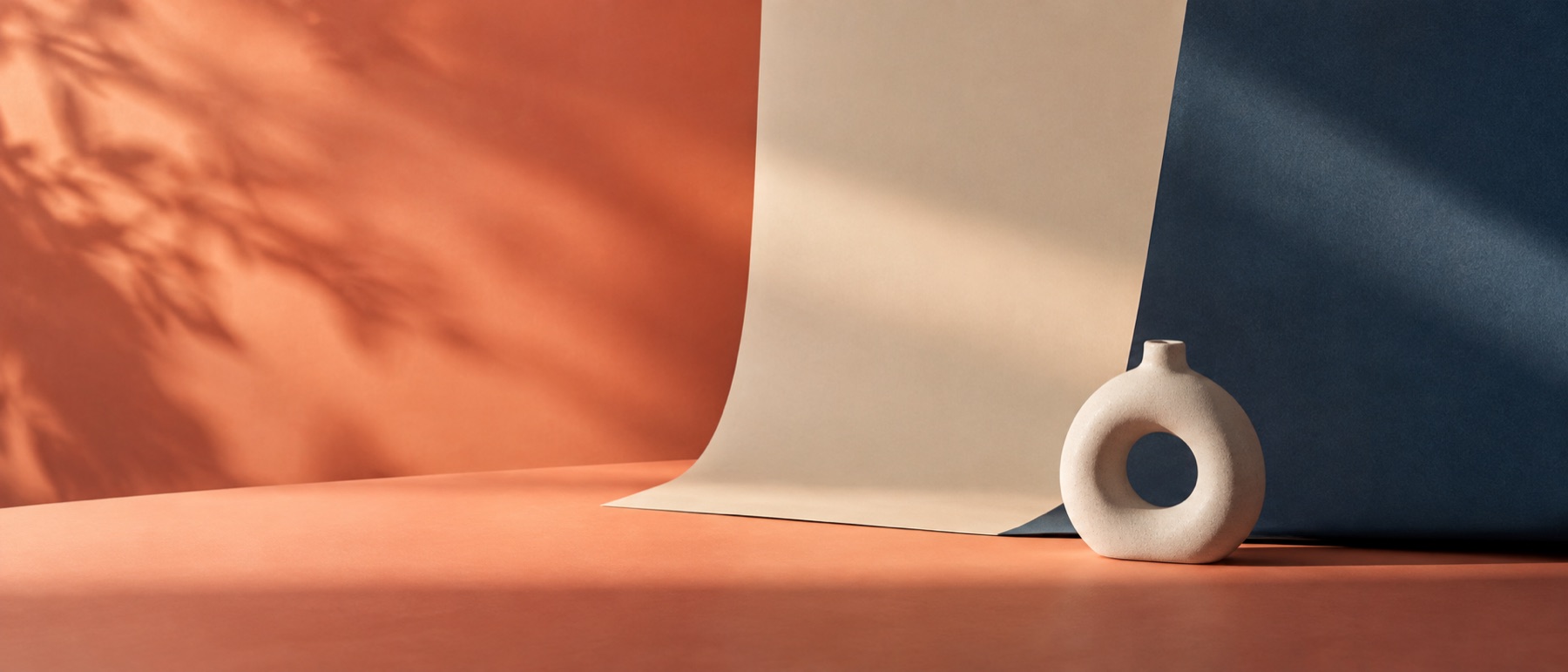
The last one is what this page has that other background changers do not. Instead of a stock photo of an office, the subject sits on a surface designed to be a background: a quiet ramp, a lit field behind the head, a grain that stops a flat colour looking digital.
Keeping the edge honest
When the old background was a strong colour, its tint gets into the soft pixels at the edge of the subject — green at the hairline from a green wall. Before the new background goes in, the page estimates that old colour from the neighbourhood and takes it back out of those pixels. It is the difference between a subject that sits on the new background and one with an outline around it.
Limits of a swap
- Light is not changed. A subject shot in warm indoor light will stay warm on a cool blue backdrop; choose a background whose light matches.
- Shadows from the original scene are part of the background and are removed with it. The contact shadow is a soft generic one, not a reconstruction of the real shadow.
Questions people ask
- How do I make the new background look real rather than pasted?
- Three things do most of it. Match the light: a subject lit from the left looks wrong on a backdrop lit from the right. Turn on the contact shadow so the subject has something to stand on. And prefer a soft background — a blurred scene or a gentle ramp — over a sharp, detailed one, because a real lens would have softened it.
- Can I use my own picture as the background?
- Yes. Choose Your picture, pick the file, and it is scaled to cover the frame without being stretched. The Soften slider blurs it to suggest a shallow depth of field.
- What are the made backgrounds?
- Designs from this site's own generator — ramps, lit fields, a mesh and grain surfaces — drawn at your photo's exact pixel dimensions rather than stretched from a stock file. The background maker opens any of them with every stop and angle editable.
- Can I change the background of several photos at once?
- Yes. Drop them all together and they go to the bulk queue, which applies one background to every picture and hands back a ZIP.
Other background jobs
- Background colourAny flat colour behind the subject, down to an exact hex value.
- Blur backgroundA sharp subject on its own background softened, like a portrait lens.
- White backgroundPure 255 white behind the subject, for listings, profiles and forms.
- Background makerA gradient, grain field or flat colour drawn at any pixel size, with its CSS.